Skip to content

Features

AI virtual try-on features for every step of the journey.

The AI virtual try-on features inside Kannaadi.Ai, one by one: try-on on the shopper, AI Looks, upload and scan, the kiosk, lucky draw, jewellery and eyewear try-on. Ten capabilities, each described below with what it does and where it helps.

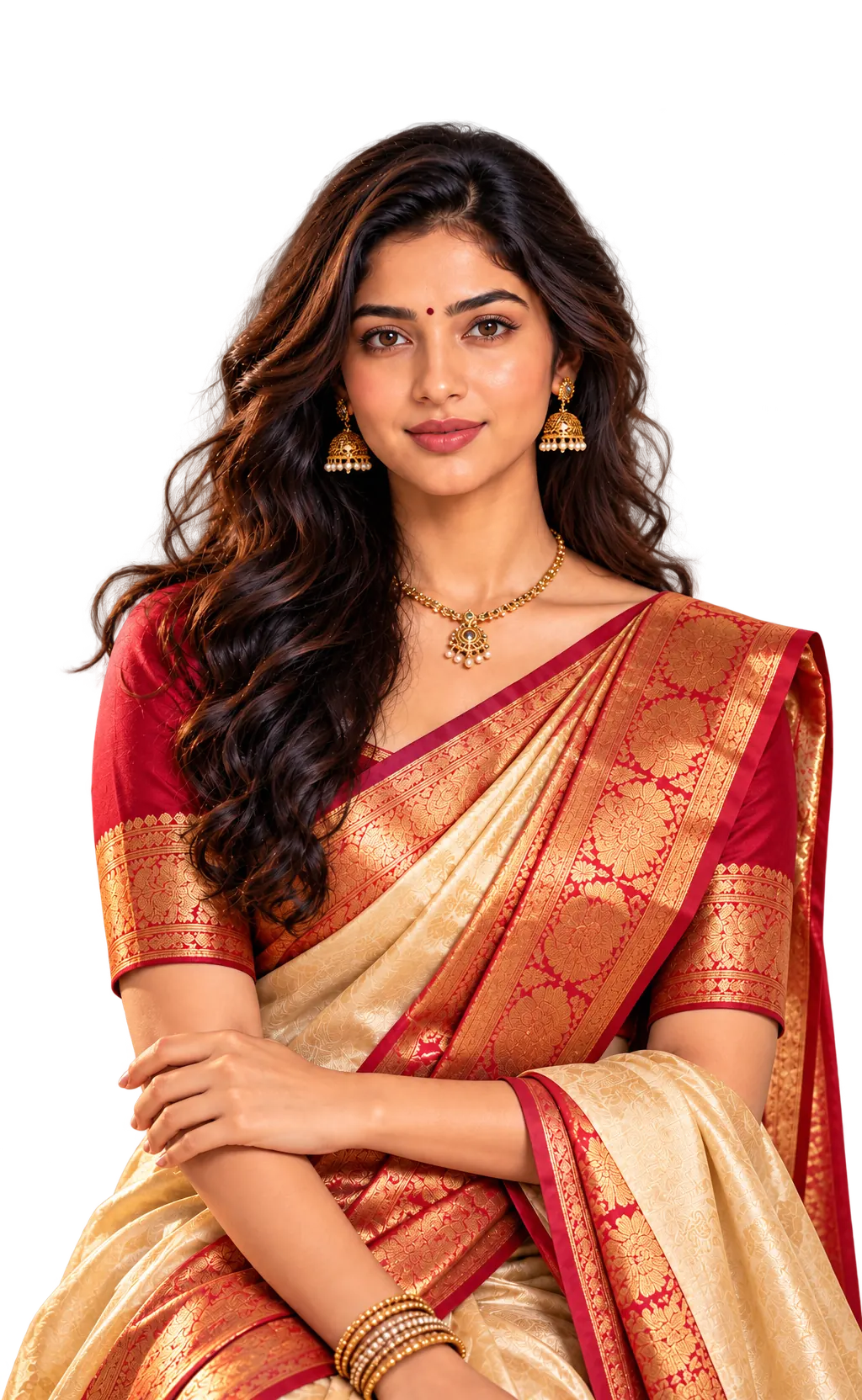
A South Indian woman in a casual linen shirt. Moving the pointer over her reveals her virtually trying on a red and gold Kanchipuram silk saree.

Touch and drag to reveal the AI scan

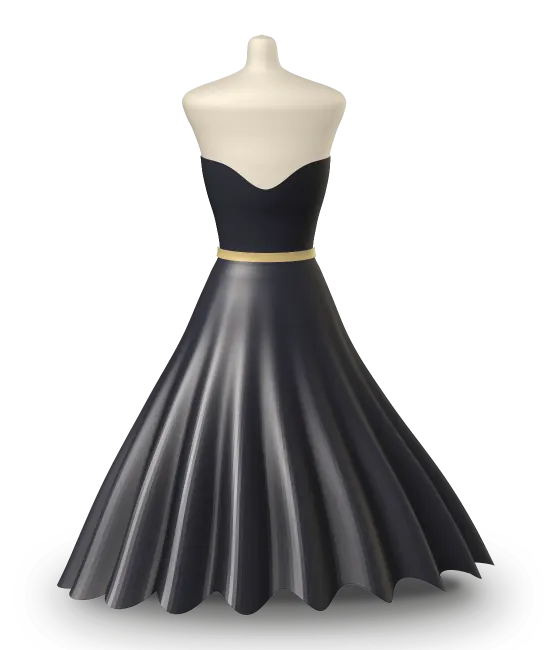
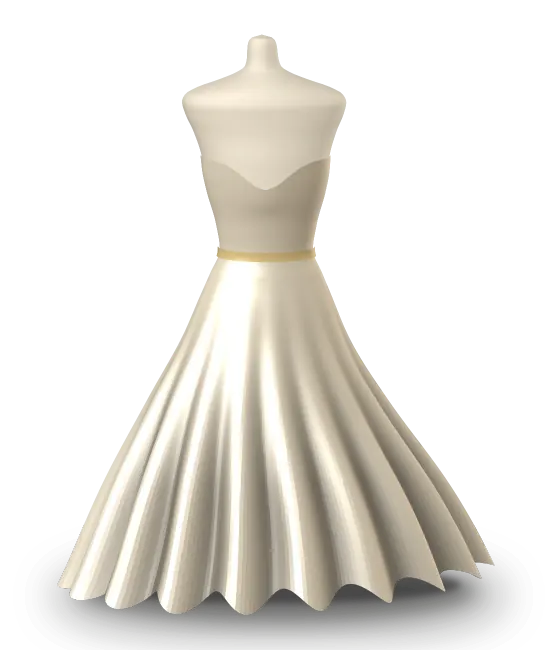
Champagne satin gown on a dress form
On youColourSilhouette
01

The core experience

AI Virtual Try-On

The core feature: AI places the chosen garment on the shopper, so they judge colour, silhouette and style on themselves rather than on a model. The other features build on this base.

  • Garment shown on the shopper
  • Works for clothing and ethnic wear
  • Designed for web, kiosk and in-store screens
Virtual try on for ecommerce
Look 01
Look 02
Look 03
Look 04
02

From one piece to a look

AI Outfit Generator / AI Looks

The AI outfit generator behind AI Looks suggests how pieces come together around a garment the shopper has chosen. One try-on becomes several outfit ideas, which gives shoppers a reason to keep exploring your collection.

  • Outfit ideas built around a chosen piece
  • Encourages exploring more of the range
  • A natural bridge from try-on to discovery
Virtual try on for boutiques
Drop a dress photo
03

Bring your own piece

Upload a Dress

Customers upload a photo of a dress they already have in mind and see it on themselves. For stores, it is a starting point to match the reference or recommend similar styles from the range.

  • Start from any garment image
  • Lets shoppers bring a reference to your store
  • Opens a conversation about similar styles you stock
Virtual try on for fashion stores
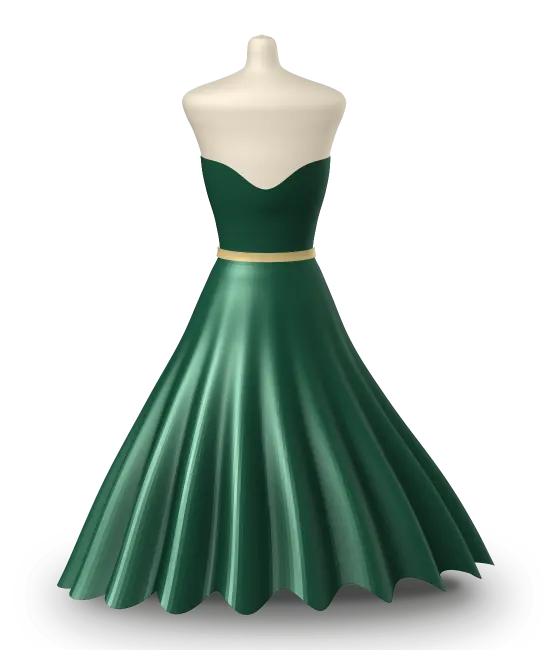
Forest green satin gown on a dress formScanning…
04

From rail to screen

Scan a Dress

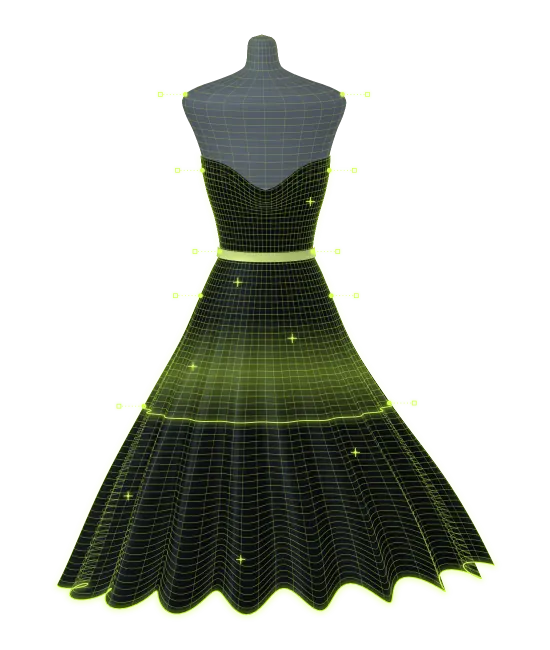
Where upload starts from a photo, scanning starts from the garment itself: in store, a shopper scans a piece from the rail and brings it straight into the try-on, with no catalogue search needed.

  • Connects physical stock to the digital experience
  • Fast, hands-on interaction at the rail
  • Suited to kiosk and assisted-selling flows
Fashion store experiences
05

A fitting room you can walk up to

Kiosk Experience

A standing screen that works as a walk-up virtual try-on kiosk: shoppers step up, see themselves in a piece and explore looks at their own pace. Built for stores, malls and events where the experience itself helps draw people in.

  • Walk-up, self-guided flow
  • Branded to your store or campaign
  • Right for floors, concourses and exhibitions
Virtual fitting room in store
GIFTVOUCHERSTYLINGRETRYGIFTVOUCHERSTYLINGRETRY

Illustrative — rewards are set per campaign.

06

A reason to take part

Lucky Draw

A reward step after the try-on, built for campaigns, events and in-store promotions. Rewards are set per campaign, and the draw makes taking part feel like a game rather than a form.

  • Gamified reward step
  • Fits activations and promotions
  • Gives visitors something to talk about
Brand activation marketing
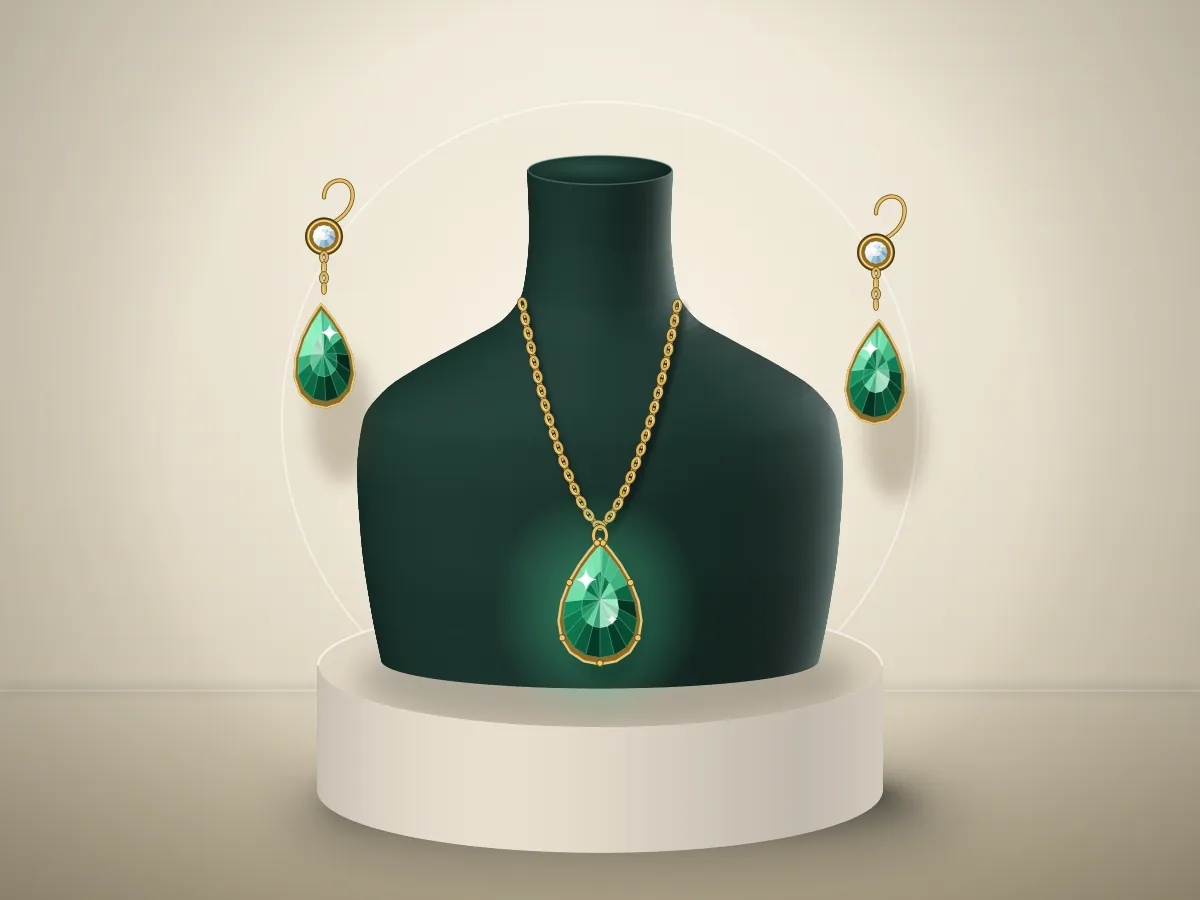
Gold necklace and earrings on a velvet bust, with an AI scan revealed under the pointer

Touch and drag to reveal the AI scan

07

Pieces worn, not displayed

Jewellery Try-On

Necklaces, earrings and statement pieces appear on the customer so they can judge scale and style, before staff bring specific pieces out of the vault. Jewellery virtual try-on can sit at the counter, on a kiosk or online.

  • Pieces shown on the wearer
  • Compare styles quickly
  • For counters, kiosks and online
Virtual try on jewellery
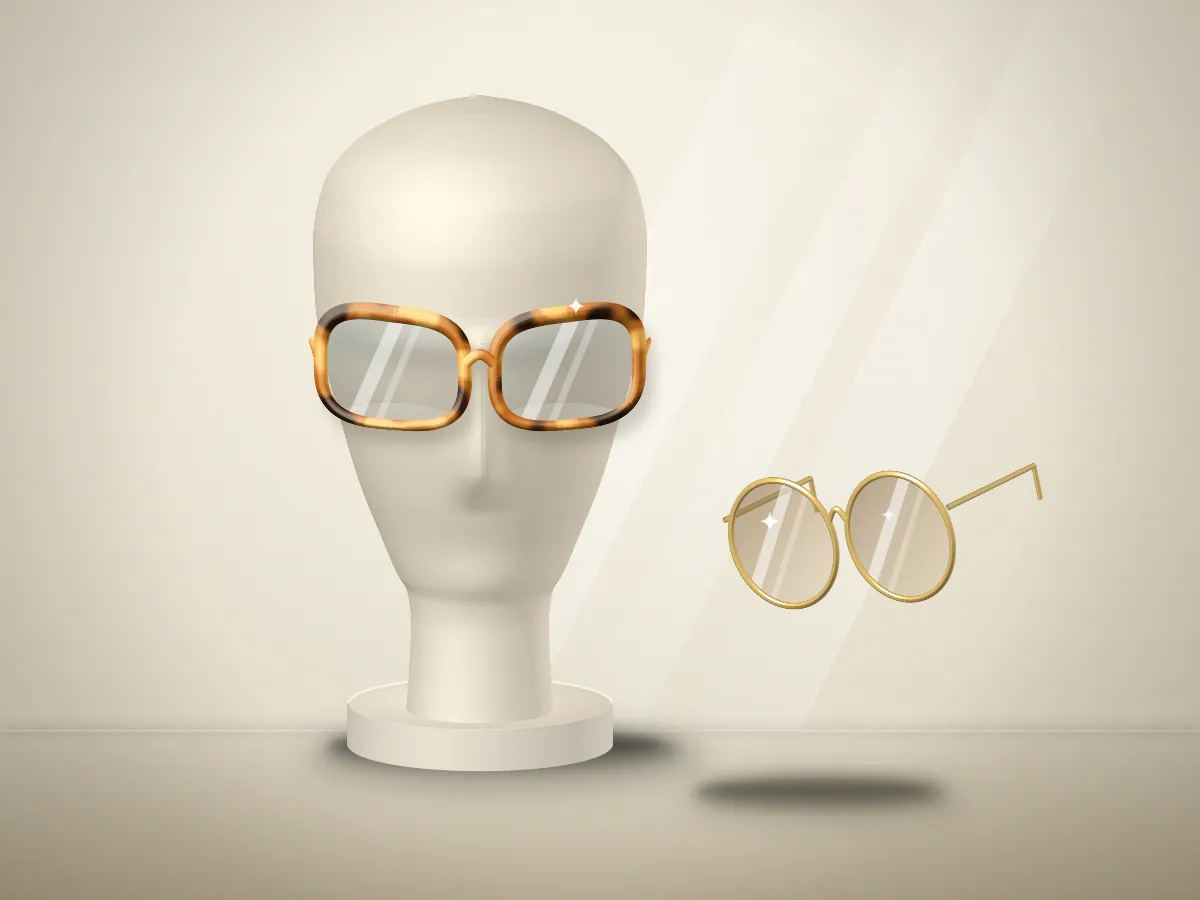
Pair of acetate glasses on a plinth beside a second frame, with an AI scan revealed under the pointer

Touch and drag to reveal the AI scan

08

Frames on your own face

Eyewear Try-On

Eyewear virtual try-on lets shoppers compare frames on their own face — shape, size, colour — before an optician fitting, so fitting time goes to frames they already like.

  • Frames shown on the shopper’s face
  • Quick comparison across styles
  • In store or online
Virtual try on eyewear
A South Indian woman in a casual linen shirt. Moving the pointer over her reveals her virtually trying on a red and gold Kanchipuram silk saree.

Touch and drag to reveal the AI scan

09

Responsive, not rendered later

Real-Time Virtual Fitting

The fitting responds as the shopper moves and switches pieces, so it behaves like a mirror rather than a loading screen. It is what makes the rest of the virtual fitting room feel immediate.

  • Interactive, in-the-moment feedback
  • Switch pieces and colours quickly
  • Built to feel like a mirror
See it live in a demo
Share-ready look
Lucky draw reward
Look of the day
Save and send to a friend
10

Beyond the try-on

Customer Engagement Features

Share-ready looks, rewards and prompts that keep a shopper engaged after the try-on, shaped around the campaign or store you run. They sit around the try-on rather than replacing it.

  • Interactive moments around the try-on
  • Campaign-ready mechanics
  • Shaped to your brand and goals
Engagement use cases

How it works

How AI virtual try-on works, in one session.

The shopper-side flow in plain terms. How your own range is set up, and which channels it runs on, is agreed in a demo. Browse by business type or book a demo.

  • Choose a piece

    The shopper picks a piece from your range — or scans a garment in store, or uploads a photo of a dress they have in mind.

  • See it on the shopper

    The piece is shown on the shopper rather than on a model, and they can switch colours and looks to compare.

  • Look further, then finish

    AI Looks suggests how pieces come together, and campaigns can end with a share-ready look or a lucky draw.

FAQ

Features, answered

Book a demo

Try the technology on your range.

Tell us what you sell and where. We will show the features that fit — and leave out the ones that do not.